For an agency running print, retail, packaging and events alongside digital work, a QR code is a small asset that does a lot of joining up: it turns a physical placement into a link, and, where analytics are available, into something you can count.
Short answer:a marketing agency should treat a QR code as a campaign asset, not a file. Generating a code is one step. The agency work is planning what it links to, designing it to suit the client's brand, getting the destination and creative approved, deploying it, measuring it honestly and handing everything over cleanly.
This guide is about that operational workflow. For creative ideas and applications, see our guide to artistic QR codes for marketing campaigns. No external statistics are used here.
Why Marketing Agencies Use QR Codes
QR codes give agencies a way to connect the physical and digital sides of a campaign without a long URL or a separate app. Common connections include:
- Printed advertising to landing pages. A poster or press ad cannot hold much detail. A code gives it a direct route to the page that does.
- Retail displays to product information. A counter card can lead to ingredients, instructions or a comparison without crowding the display.
- Packaging to digital experiences. A box or label can point to guides, recipes, care details or reordering.
- Events to registration and information. Signage and invitations can lead to RSVPs, schedules and venue details.
- Promotional materials to offers. Flyers and inserts can open a specific offer page rather than a general homepage.
- Offline campaigns to measurable scan activity. Where analytics are available, a code gives an offline placement a trail that print alone cannot.
The value is practical rather than guaranteed. A QR code does not by itself raise engagement or conversion. It removes friction between the placement and the destination, and the quality of both still decides the result.
How Agencies Can Use Artistic AI QR Codes for Client Branding
Most QR codes look the same, which is a problem when you are trying to make each client's campaign feel distinct. Artistic AI QR codes let an agency carry a client's visual identity or a campaign theme into the code itself. It helps to know where they sit:
- Standard static QR code. A plain pattern that stores its destination directly. It is quick to make and works well when simplicity matters most.
- Custom QR design. A standard code with added design elements such as colours, a logo or shapes.
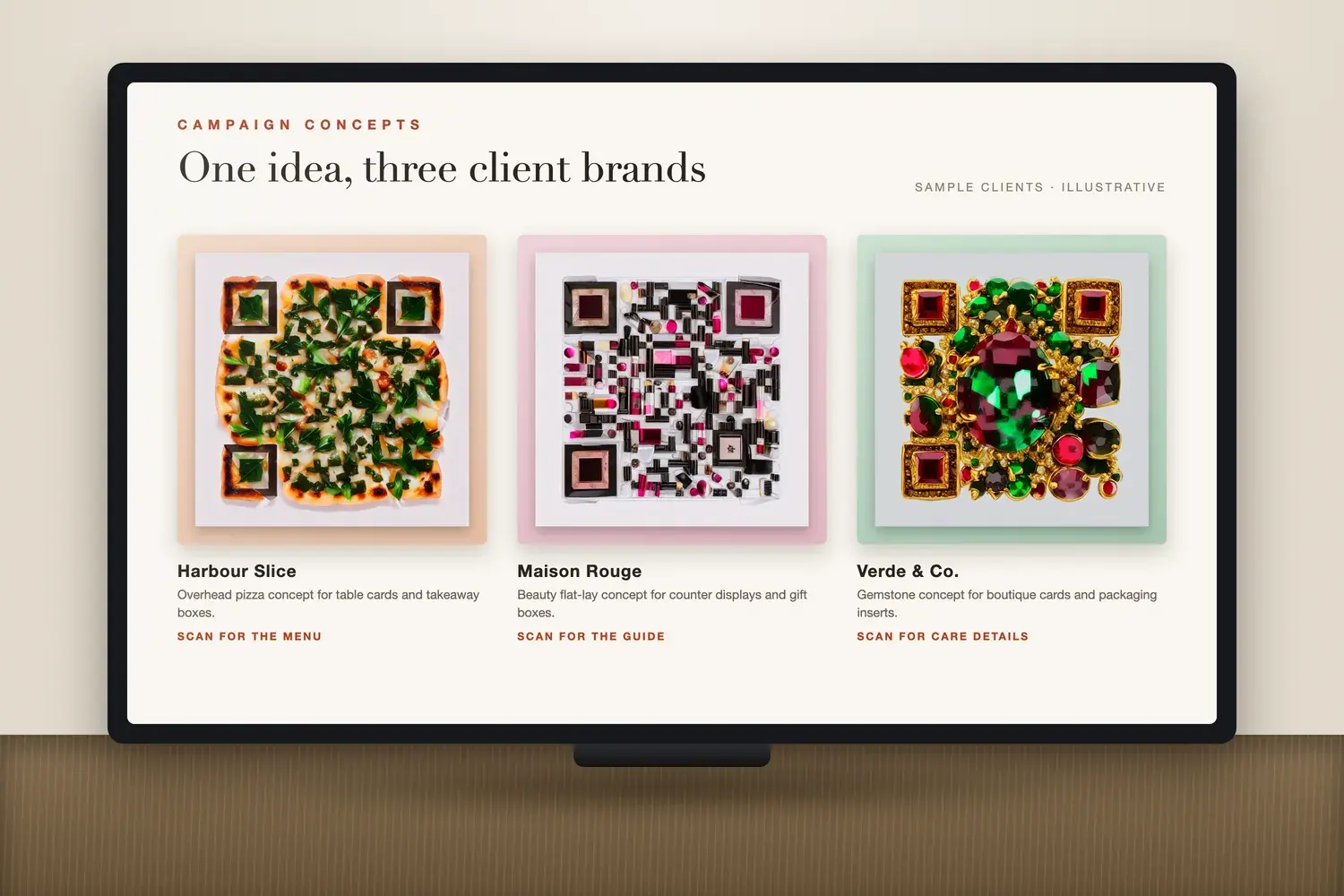
- Artistic AI QR code. A QR code blended with an AI-generated image, so the code and the artwork form one design. This is what NG QRCode's artwork generation creates, and it uses Artistic AI QR generations.
For client work, Artistic AI QR codes are useful in a few ways:
- Match each client's brand.Take palette, subject and tone from the client's identity rather than reusing one look across accounts.
- Reflect the campaign theme. A seasonal menu, a product launch or an event can each have a concept that belongs to it.
- Suit the format. Packaging, posters, invitations and promotional material call for different compositions. See packaging ideas and event invitations and signage for examples.
- Keep direction consistent. Use the same palette and style across all placements in a campaign so they read as one system.
- Present concepts to the client. Showing two or three directions in a presentation makes approval easier than describing them.
The artwork has to remain usable. See our guide to QR code design that looks good and still scans, and our guide to AI QR code art, styles and prompts for prompt ideas by industry.
A Practical QR Code Workflow for Marketing Agencies
A repeatable workflow keeps codes from becoming a last-minute production task. Each step below has a purpose:
- Understand the client's campaign objective. Everything else follows from what the client wants the campaign to achieve, such as bookings, sign-ups or product information views.
- Identify the audience and placements. Who sees the code, where, and how far away they stand decides the size, style and call to action.
- Decide what the code should link to. Choose one destination that delivers what the call to action promises. A vague destination is the most common reason a good code underperforms.
- Create a design that matches the client's branding. A code that reflects the brand looks like part of the creative. Prepare a concept per client rather than reusing one look.
- Prepare the exported artwork for each placement. A poster, a sticker and a packaging insert need different sizes and spacing. Plan each one instead of scaling a single file.
- Review and approve the destination and final creative with the client. Approval of the link matters as much as approval of the artwork. Record who signed off and when.
- Deploy the codes. Release the codes once the destination is live and the final artwork has been checked in place.
- Monitor scan activity where analytics are available. Early monitoring catches a broken link or an unnoticed placement problem while the campaign is still running.
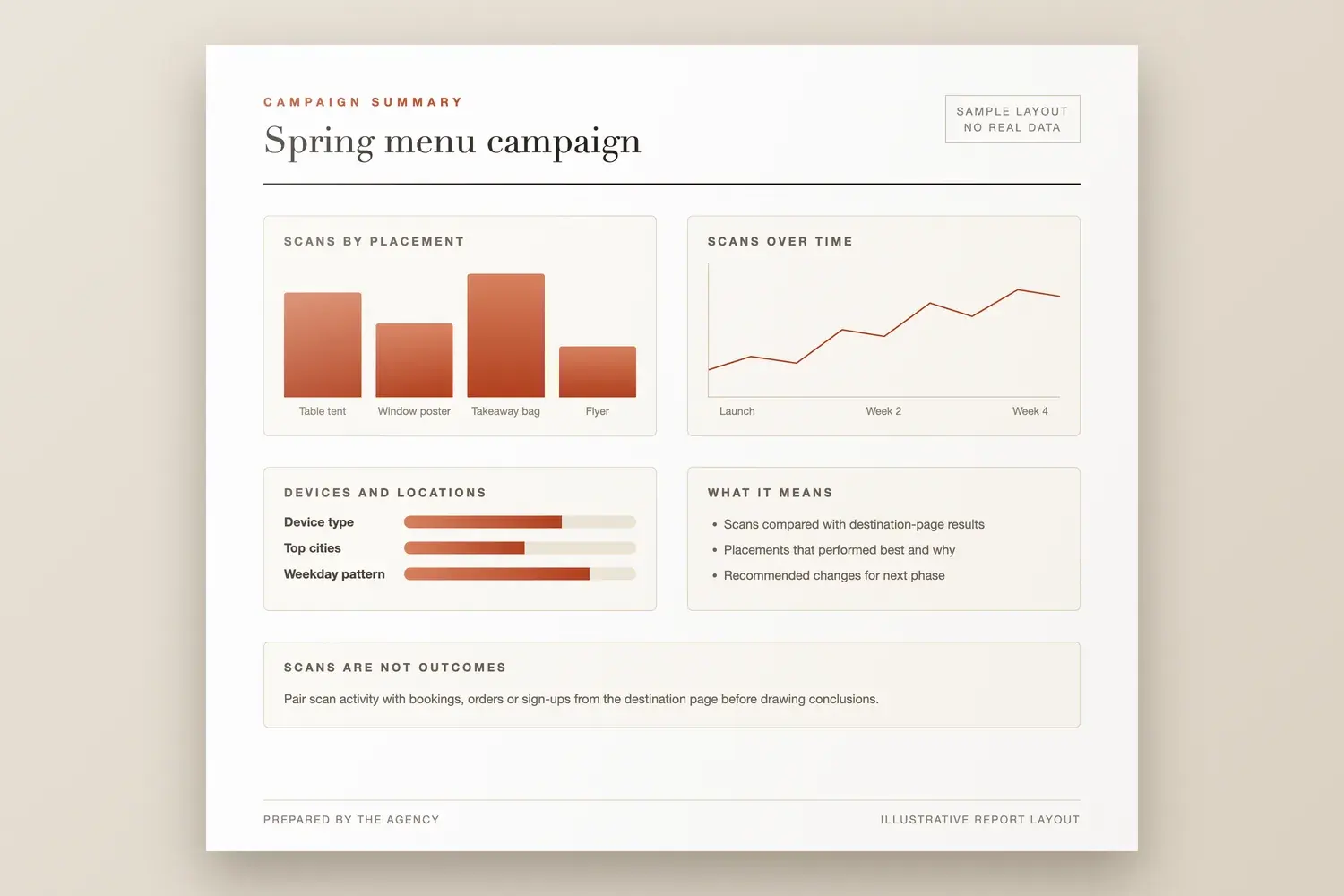
- Prepare a campaign performance summary. Clients need context, not just numbers. Compare scan activity with outcomes from the destination page.
- Hand over artwork, destinations and campaign data. A clean handover lets the client reuse the assets and understand what each code does.
How to Organize QR Codes Across Multiple Client Campaigns
Once an agency runs several campaigns, the hardest part is knowing what each code is, where it is, and who owns it. These practices help:
- Use clear client and campaign naming conventions.
- Keep a record of every destination URL.
- Note each code's physical or digital placement.
- Track creative versions and client approvals.
- Keep final exported assets together and labelled.
- Document launch and retirement dates.
- Record who owns each code and who receives the final handover.
A simple naming convention makes records easy to scan and sort. For example:
client_campaign_location_placement_version
A hypothetical entry might read harbourcafe_springmenu_leeds_tabletent_v2. Keep the log in your own spreadsheet or project tool.
This is a recommended agency workflow, not an NG QRCode feature. NG QRCode does not currently offer client workspaces, team permissions, per-client folders, bulk generation, white-label dashboards, automated client reports or built-in approval workflows. Codes are managed from the NG QRCode account that created them, and this guide does not describe a way to transfer them to another account. Agree with the client at the start who holds the account and who makes later destination changes, and record that in your handover notes.
Static vs Dynamic QR Codes for Agency Campaigns
A static QR code encodes its destination directly in the pattern, so that destination cannot be changed after printing. A dynamic QR code points to a redirect, so the destination can be changed later without reprinting. Dynamic QR codes can also provide scan analytics where the platform supports it.
- Static suits fixed content that will not change, such as a permanent product page or a simple contact link, and cases where analytics are not needed.
- Dynamic suits campaigns where the destination may need to change, where a link could break, or where the agency needs scan analytics for reporting.
On NG QRCode, the Starter and Pro plans include dynamic QR codes with editable destinations and an analytics dashboard. The Free plan includes unlimited static QR codes and no scan analytics. Each Artistic AI QR code you generate counts toward your plan's Artistic AI QR generations, so plan how many separate codes a client needs. See NG QRCode pricing for current plan details.
How Agencies Can Measure QR Code Campaign Performance
Good measurement starts before launch, when you decide how placements will be told apart. Consider each of these:
- Total scan activity. The headline count. Useful as a starting point, but never as proof of success on its own.
- Scan trends over time. Look at launch spikes, quiet weeks and busy times of day.
- City and device information. Where the dashboard provides it, it shows where scans came from and on what kind of device. It reports aggregate activity and does not identify the people who scan.
- Comparing placements. Compare table cards with window posters, or one flyer run with another, to see which placements get attention.
- Unique codes per channel. Separate placements can only be compared if each has its own code. Plan this before artwork is produced.
- UTM parameters where appropriate. Adding UTM parameters to the destination URL lets the destination's own web analytics attribute visits to a campaign or placement.
- Scans versus conversions. A scan shows that someone pointed a phone at a code. Sales, sign-ups and return on investment come from the destination and the business.
On NG QRCode, the analytics dashboard for dynamic QR codes shows total scans, unique scanners, recent and week-over-week scan counts, scans over time, scans by hour and weekday, and breakdowns by device, country, city, operating system and browser. It also lists your most scanned codes and has a page for each code. It does not report sales, bookings or return on investment.
UTM parameters are added to the destination URL and read by your web analytics. Google documents them in its guide to collecting campaign data with custom URLs. Scan counts alone do not prove sales, engagement or return on investment, so always read them alongside results from the destination.