Artistic QR Codes for Events: 9 Creative Ideas & Examples
Nine ideas for Artistic AI QR codes on invitations, posters, welcome boards and event experiences, plus how to match one to your theme and keep it usable.
NG QRCode••11 min read
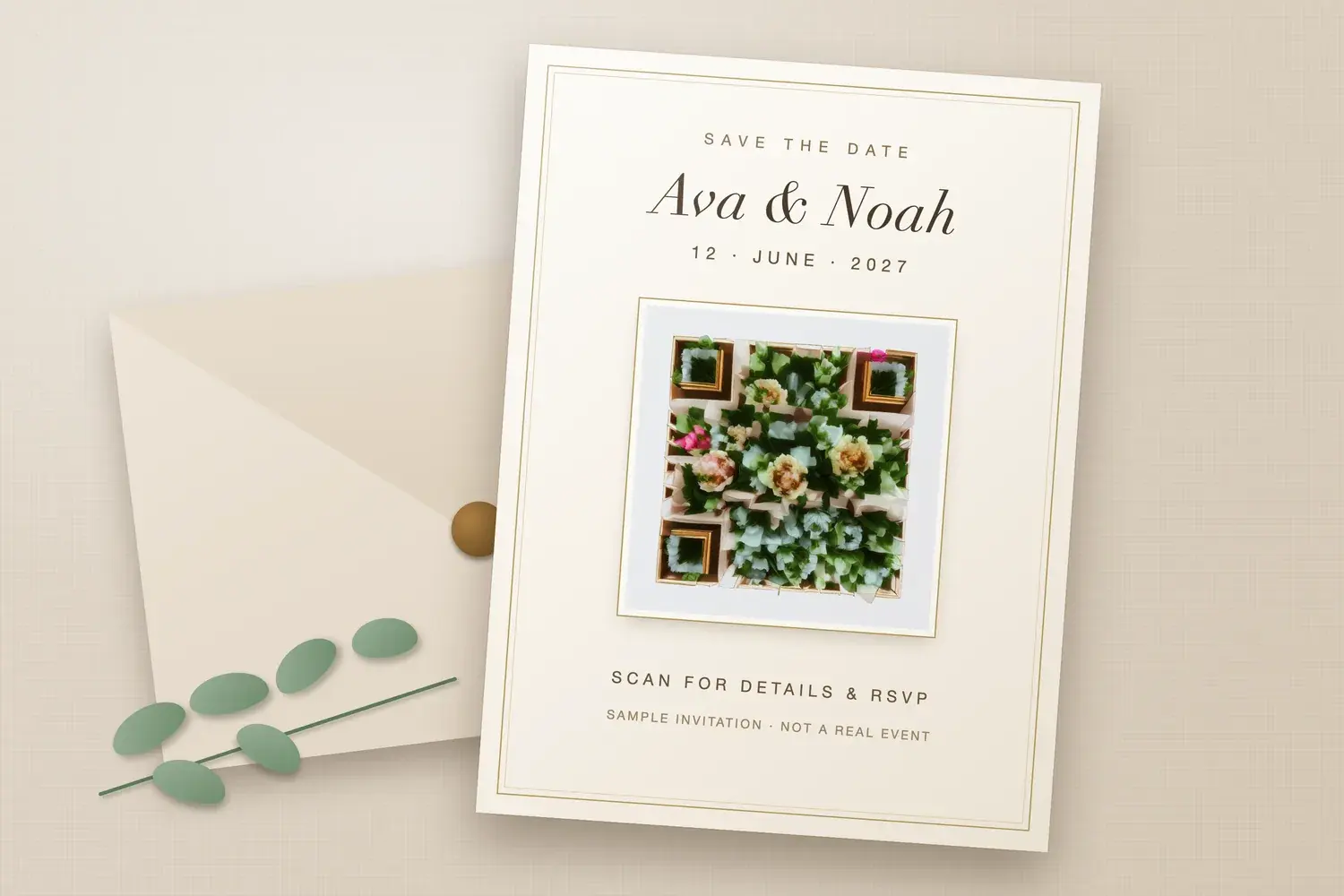
Illustrative event mockup featuring an NG QRCode Artistic AI QR code. Sample invitation, not a real event.
Event creative is usually designed with care: the invitation, the poster, the welcome board. A standard QR code dropped on top can feel like it came from somewhere else. Artistic AI QR codes let organisers carry the event's theme into the code itself, so the thing guests scan looks like part of the occasion.
Short answer: Artistic AI QR codes can complement event creative, but the artwork, the placement, the scan experience and the destination should be designed together, and the final piece should be tested at its real size.
This guide covers nine event ideas, how to match a code to your theme, what an event code should link to, and how to keep it usable. It is about the creative side of events, not ticketing or check-in. The examples are hypothetical, and no external statistics are used.
What Are Artistic AI QR Codes for Events?
An Artistic AI QR code is a QR code blended with an AI-generated image, so the code and the artwork form one design. A wedding code might be built from flowers, and a festival code from stained-glass colour. For more on styles and prompts, see our guide to AI QR code art and prompt ideas.
A standard static QR code stores its destination directly and does not need AI artwork. Plenty of events work perfectly well with one. The artistic version is a design choice that can help the code sit alongside event branding. It does not automatically increase engagement or scans, and the artwork can affect how reliably phones read it, so each design needs testing.
9 Creative Artistic QR Code Ideas for Events
Each idea is a hypothetical scenario. None describes a real client, event or result, and the destinations are things an organiser could provide, not features supplied by NG QRCode.
Idea 1
Wedding invitations
Visual direction: Florals and foliage in the couple's colours, with the three corner squares worked into the arrangement.
Placement or material: A printed invitation card, on heavy matte stock.
After scanning: The event details page and an RSVP form.
Design consideration: Keep the code clear of foil, embossing and borders, which can interrupt the pattern and the quiet zone.
Idea 2
Save-the-date cards
Visual direction: A simpler, lighter version of the invitation artwork, so the two pieces feel related.
Placement or material: A flat card or magnet, often smaller than an invitation.
After scanning: A page with the date, location and accommodation notes.
Design consideration: Small cards mean small codes. Keep the artwork simple and test the proof at the real printed size.
Idea 3
Corporate event invitations
Visual direction: Brand colours and a subject linked to the event theme, such as a landmark interior for a hospitality summit.
Placement or material: A printed invite or a digital invitation image.
After scanning: An agenda and event landing page.
Design consideration: Digital invitations are viewed on screens of many sizes. Export at enough resolution and check it on a phone and a laptop.
Idea 4
Event posters and promotional materials
Visual direction: A bold, recognisable image that carries the event's mood, such as stained glass colour for a music weekend.
Placement or material: Street posters, venue windows, flyers and social graphics.
After scanning: A programme page or the booking page.
Design consideration: Posters are often read from a distance and at an angle. Use a larger code with a simple subject.
Idea 5
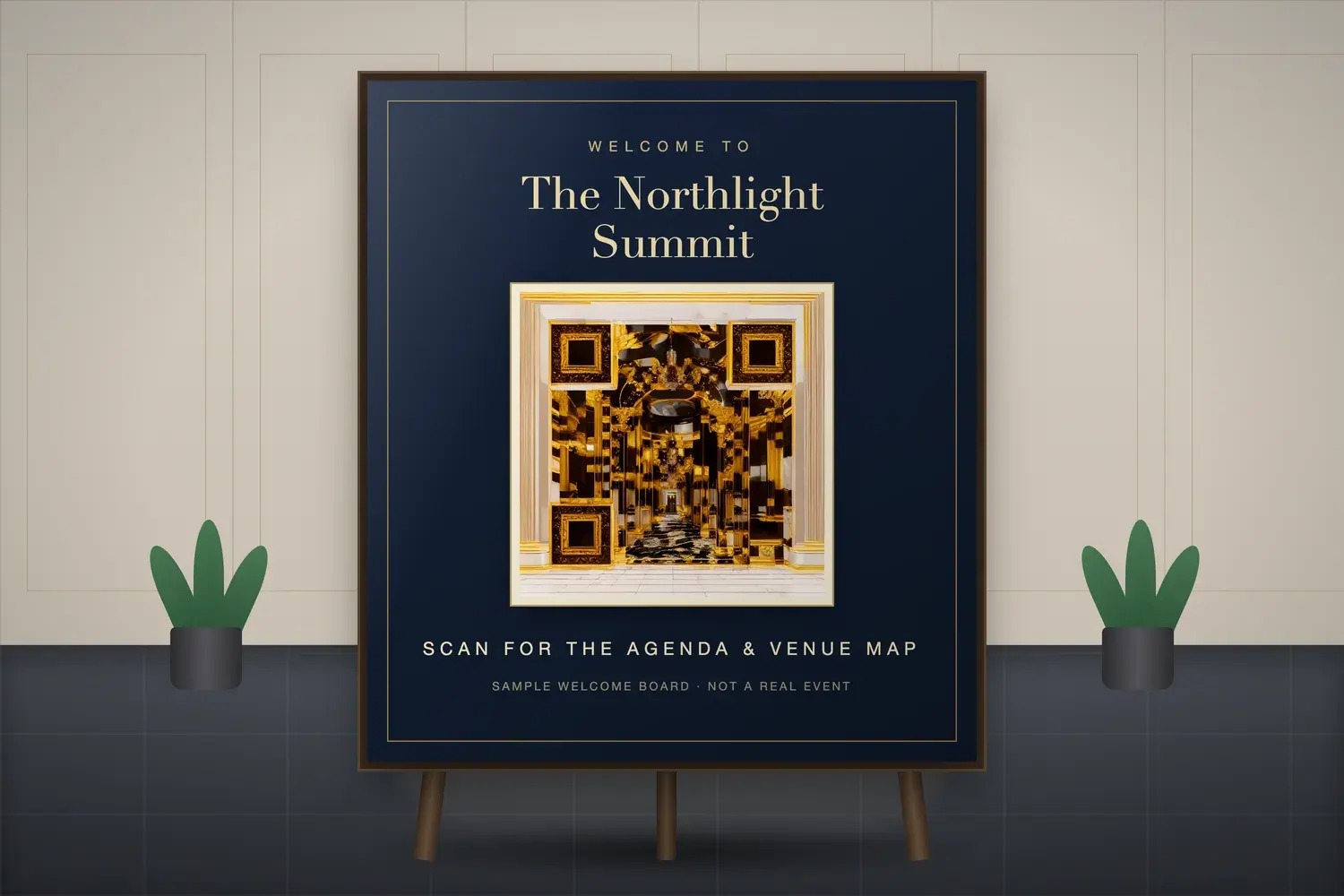
Welcome boards and entrance displays
Visual direction: Artwork that echoes the venue, such as an ornate hall for a gala, in a palette that sits well with the signage.
Placement or material: Easel boards, foam-board signs and entrance screens.
After scanning: The schedule, a venue map or Wi-Fi and help information.
Design consideration: Entrance areas are busy and lit by overhead lights. Check glare on the board and leave room for people to stop and scan.
Idea 6
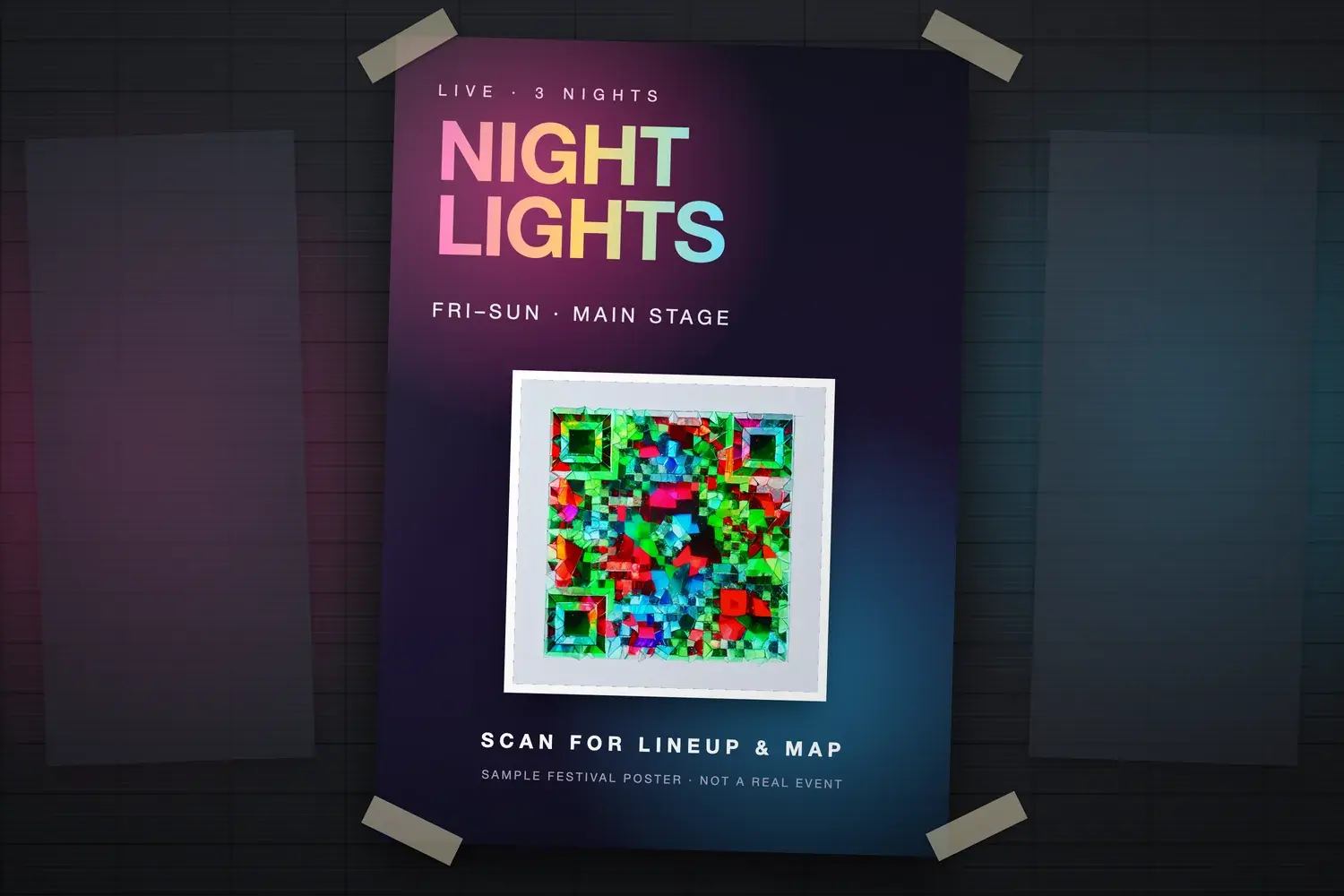
Music festivals and concerts
Visual direction: Colourful, energetic artwork inspired by the festival's atmosphere, with clear light and dark areas that survive night lighting.
Placement or material: Posters, wristband inserts, stage-side signage and programme leaflets.
After scanning: The line-up, a site map or set times.
Design consideration: Low light, crowds and screens change how a code looks. Test in the dark conditions it will be used in.
Idea 7
Exhibitions and trade shows
Visual direction: Artwork based on the exhibitor's product or sector, shown in a tidy square that fits booth graphics.
Placement or material: Booth walls, roll-up banners, brochures and leaflets.
After scanning: Product information, a brochure download or a meeting booking page.
Design consideration: Booths are close to other booths. Keep the code at hand height and away from busy graphics.
Idea 8
Product launches
Visual direction: Launch-themed artwork that uses the product's materials or colours, so the code belongs to the launch visual.
Placement or material: Launch invitations, display stands and press-kit cards.
After scanning: The launch page, a demonstration or an early-access offer.
Design consideration: A launch date is fixed, so plan the destination ahead and confirm it works before printing in bulk.
Idea 9
Interactive event experiences
Visual direction: Playful artwork that suggests the activity, such as a treasure-hunt or trail theme for a family day.
Placement or material: Trail markers, activity cards and stations around the venue.
After scanning: A clue page, a short game or a feedback form.
Design consideration: Each station needs its own destination, so label and track them clearly and test each code separately.
Illustrative event mockup featuring an NG QRCode Artistic AI QR code. Sample welcome board, not a real event.
Illustrative event mockup featuring an NG QRCode Artistic AI QR code. Sample festival poster, not a real event.
How to Match an Artistic QR Code to Your Event Theme
The aim is a code that looks as if it belongs to the event and still works as a code. Consider these together:
Match colours and identity. Take colours and tone from the invitation, signage or brand, so the code sits comfortably next to them.
Select an appropriate visual style. Elegant for a wedding, bold for a festival, polished for a corporate event.
Choose a subject that complements the event. One recognisable subject reads better than several competing ones.
Balance decoration and visibility. The artwork should add character without hiding the pattern.
Integrate it into existing creative. Treat the code as one element of the layout, with room to breathe.
Keep a clear call to action.A short line such as “Scan for the schedule” tells people why to scan.
Avoid clutter. Extra graphics, borders and text near the code make it harder to find and read.
Artwork uses the event's colours and visual identity.
The visual style suits the tone, such as elegant, playful or bold.
The subject complements the event without distracting from it.
The decoration never hides the code. Contrast stays strong.
The code fits into the existing creative and does not float on top of it.
A short call to action sits beside it.
There is no clutter close to the code.
What Should an Event QR Code Link To?
Relevant destinations include:
RSVP and event details
Event schedules and agendas
Venue directions
Digital invitations
Event information and FAQs
Product or sponsor information
Relevant event-related content, such as a gallery or playlist
Whatever you choose, the destination should deliver what the text beside the code promises. If a card says “Scan for directions”, the guest should land on directions. These are examples of what an organiser could provide, not features that NG QRCode supplies.
Static versus dynamic QR codes
A static QR code encodes its destination directly in the pattern, so that destination cannot be edited after printing. A dynamic QR code points to a redirect, so the destination can be updated later without changing the printed code.
On NG QRCode, the Starter and Pro plans include dynamic QR codes with editable destinations and an analytics dashboard for scan activity. The Free plan includes unlimited static QR codes. See NG QRCode pricing for current plan details.
How to Keep Artistic QR Codes Usable at Events
Events add conditions that a desk test does not show: crowds, low light, glare and angled phones. Consider each of these:
Contrast and visibility. People should see the code at a glance. Pale artwork on a pale card, or dark artwork on a dark board, makes the pattern harder to read.
Quiet zone. Leave clear space around the code. Borders, flourishes and nearby text can intrude without anyone noticing.
Dimensions for scanning distance. Suitable dimensions depend on how far away people will stand, how much data is encoded, and how the piece is produced. A card held in the hand and a poster on a wall need different treatment.
Lighting and glare. Spotlights, venue lights, stage lighting and glossy boards can wash out parts of a code.
Print quality. Invitation stock, poster paper and finishes such as foil all affect legibility. Print a proof on the real material.
Placement and camera access. Put the code where people can comfortably hold a phone to it, and avoid awkward heights or crowded spots.
Before distribution, test on several phones and camera apps, confirm the destination opens correctly, and test again after any change to the design or size. No Artistic AI QR code is guaranteed to scan. The clear margin is covered in our guide to the QR code quiet zone, and viewing distance in QR code size for printing. If a code still fails, work through why a QR code is not scanning.
How to Create an Artistic AI QR Code for Your Event With NG QRCode
Decide what attendees should access. Choose one outcome, such as the RSVP page, the agenda or a venue map.
Prepare the destination. Make sure the page exists, works on a phone and delivers what the invitation or poster promises.
Create an Artistic AI QR code that complements the event's theme. Open the create page, keep the content type on URL, paste your destination, and describe the visual concept in the Artistic Prompt field (10 to 200 characters). You can start from the templates. Choose a scan reliability level, where High is recommended for artistic codes, then select Generate artwork. You may be asked to log in or create a free account.
Incorporate it into the invitation or event creative. Download the result and place it in your layout with a clear call to action and space around it.
Check at the intended size, then test before distribution. Print a proof at final size and scan it on several phones before anything goes to print.
Ready to try a concept? Create an Artistic AI QR code with NG QRCode. The free plan includes one Artistic AI QR generation, and Starter and Pro include more Artistic AI QR generations. Standard static QR codes are separate and unlimited on the Free plan.
Artistic QR Code Event Design Checklist
Event branding and visual theme are reflected in the artwork.
There is a clear reason to scan, stated beside the code.
The destination is relevant and works on a phone.
Artwork and contrast leave the pattern easy to read.
The quiet zone is clear on all four sides.
Size and placement suit the viewing distance.
A final-size proof has been printed on the real material.
The scan and the destination have both been tested.
Frequently Asked Questions
›Can you use Artistic AI QR codes on event invitations?
Yes. An Artistic AI QR code can match an invitation's theme and link to event details or an RSVP page. Print a proof on the real stock at final size and test it before sending invitations out.
›How can I create a QR code that matches my wedding theme?
Describe a subject and palette that suit the wedding, such as florals in your colours, in the Artistic Prompt field, then generate an Artistic AI QR code. Keep the artwork simple, preserve the clear space around it, and test the printed result.
›What should an event QR code link to?
It should link to what the text beside it promises, such as an RSVP page, the schedule, venue directions or event information. Avoid a generic homepage when a more relevant page exists.
›Can Artistic AI QR codes be used on event posters?
Yes. Posters are a common use. Allow for longer viewing distances and angled views, keep the artwork simple, and check the proof at final size.
›Do Artistic AI QR codes always scan?
No. Artwork can interfere with the parts of the pattern phones rely on, so no design is guaranteed to scan. Test each exported design on several phones and camera apps, and re-test after any change to the artwork, size or destination.
›How big should a QR code be on an event poster?
It depends on the viewing distance, the amount of encoded data, and how the poster is printed. There is no single figure, so print a proof at the intended size and scan it from where people will stand. Our guide to QR code size for printing explains how module size and density affect the result.
›Should I use a static or dynamic QR code for an event?
A static QR code encodes its destination directly, so it cannot be changed after printing. A dynamic QR code points to a redirect, which lets the destination be updated later. On NG QRCode, editable destinations and scan analytics for dynamic QR codes are available on the paid plans. Choose static only when the link will not change.
Conclusion
An effective event QR code connects creative design, a clear benefit for the attendee and a useful digital destination. The artwork helps the code belong to the event, but the call to action, the page behind it and a tested proof are what make it useful.
When your concept is ready, you can create an Artistic AI QR code for your event with NG QRCode and test it before it goes out.
Create Your Artistic AI QR Code
Turn an event theme into a QR code that fits your creative. Start free with one Artistic AI QR code, then test a proof before you distribute.